Back to Blog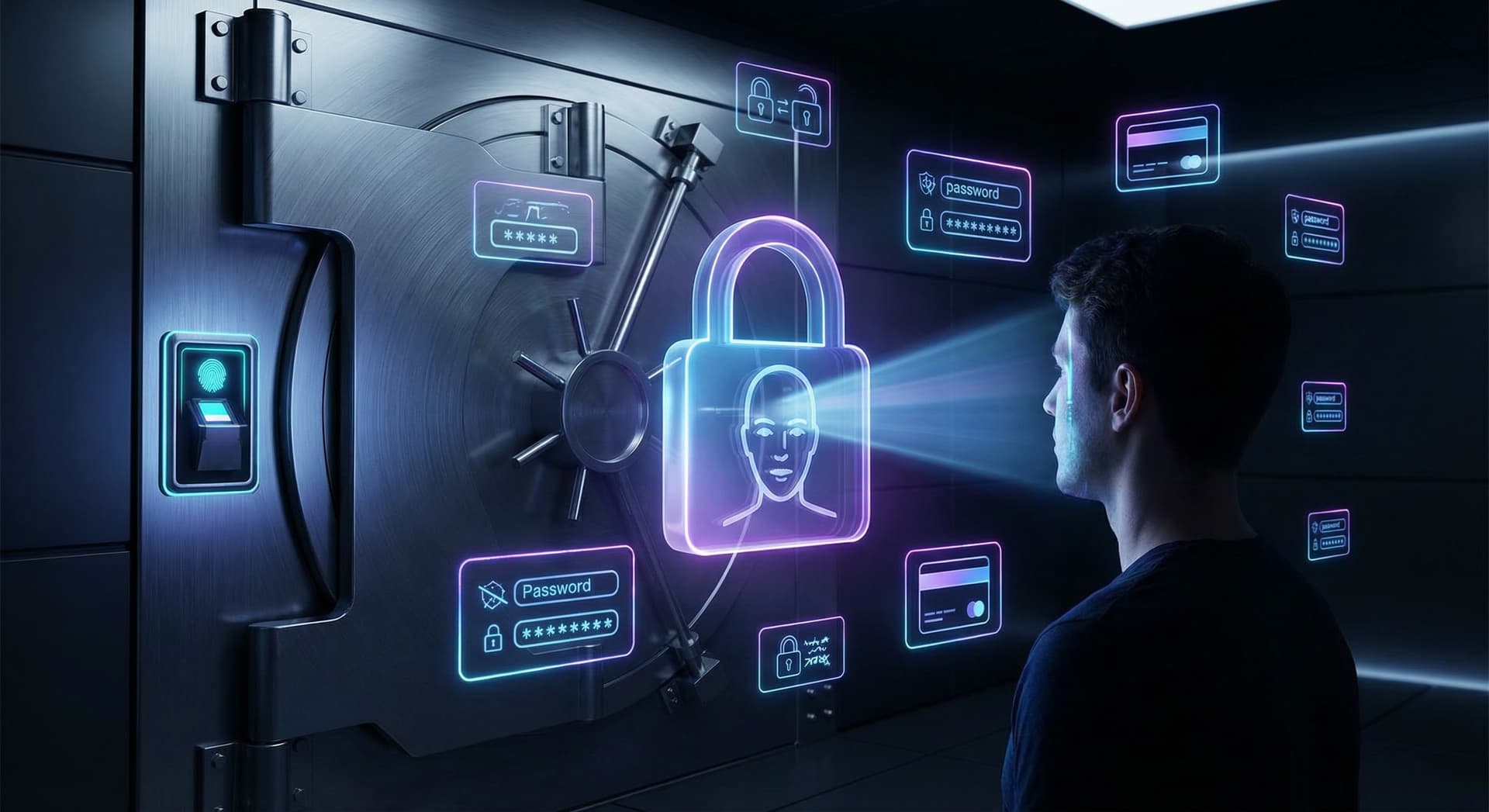
Zelf Keys: Biometric Password Manager Meets Web3 Credentials
Store passwords, payment cards, notes, and OTPs with biometric encryption—no master password. Zelf Keys uses IPFS and Walrus for decentralized storage and QR export for offline backup.
Miguel Treviño•
TL;DR:
- Zelf Keys stores passwords, payment cards, secure notes, and ZOTP (one-time passwords) encrypted with your biometric face scan—no master password required.
- Problem with traditional managers: Centralized servers (LastPass, 1Password, etc.) are honeypots. One breach exposes millions of credentials.
- How Zelf Keys works: Your face unlocks encryption keys on-device. Credentials are encrypted locally; optional IPFS + Walrus storage means no central server to breach.
- Credential types: Logins (URL, username, password), payment cards (number, CVV, expiry), notes, and OTPs. Folders keep hundreds of items organized.
- Backup and ownership: QR code export for offline backup; NFT creation for cryptographic proof of credential ownership.
- Comparison: Zelf Keys vs LastPass, 1Password, Bitwarden—self-sovereign, biometric, decentralized storage.
The Honeypot Problem with Traditional Password Managers
LastPass, 1Password, Bitwarden, and similar tools store your passwords in centralized vaults. You trust one company with every login, card, and note. When that company is breached—as LastPass was—attackers get encrypted vaults and, with enough time and weak master passwords, can crack them. One point of failure, millions of users at risk.
Zelf Keys takes a different approach: your credentials are encrypted with keys derived from your face and stored in a way that does not rely on a single company server. No master password to phish; no central database to leak.
How Zelf Keys Works
- Unlock: You prove your identity with a face scan (and optional liveness check). That proof derives decryption keys on-device. Nothing is sent to a server to "verify" you—the key material stays local.
- Encrypt: Passwords, cards, notes, and OTPs are encrypted with those keys before they ever leave your device (or are synced).
- Store: Encrypted blobs can be stored on IPFS and Walrus—decentralized storage with no single login server. Even if the storage layer is compromised, attackers only see ciphertext.
- Access: On any device where you have the Zelf Extension (or linked app), you unlock with your face and get access to the same vault. Your identity, not a password, is the key.
What You Can Store
| Type | What it holds |
|---|---|
| Passwords | Site URL, username, password, notes |
| Payment cards | Card number, CVV, expiry, cardholder name |
| Secure notes | Free-form text (API keys, recovery codes, etc.) |
| ZOTP | One-time passwords for 2FA (TOTP-compatible) |
Folders let you group credentials (e.g. "Work," "Finance," "Crypto") so you can manage hundreds of entries without clutter.
Decentralized Storage: IPFS + Walrus
Zelf Keys can sync your encrypted vault to:
- IPFS: Content-addressed, decentralized storage. Your backup is identified by hash, not by account ID. No vendor lock-in.
- Walrus: Decentralized storage protocol that fits the same self-sovereign model.
You choose where your encrypted data lives. Even if Zelf the company disappeared, your encrypted backup could still be recovered with your face and the right client.
Backup and Proof of Ownership
- QR code export: Encode your encrypted vault (or a recovery payload) in a QR code. Store it offline—printed or on an air-gapped device. Restore by scanning and proving your face.
- NFT creation: Zelf can mint an NFT that attests to your ownership of a given credential set or identity. Useful for inheritance, audits, or proving "this vault belongs to this human" without revealing its contents.
Zelf Keys vs. Traditional Password Managers
| Zelf Keys | LastPass | 1Password | Bitwarden | |
|---|---|---|---|---|
| Unlock | Biometric (face) | Master password | Master password / Secret Key | Master password |
| Storage | Decentralized (IPFS/Walrus) | Central servers | Central servers | Central / self-hosted |
| Breach risk | No central vault to steal | Encrypted vaults stolen in past | Single vendor | Depends on deployment |
| Payment cards | Yes, encrypted locally | Yes | Yes | Yes |
| OTP / 2FA | ZOTP supported | Limited | Yes | Yes |
| Backup | QR + decentralized | Cloud sync | Cloud sync | Export / self-hosted |
| Web3 / identity | ZelfProof, NFT proof | No | No | No |
Zelf Keys is built for users who want self-sovereign credential storage: biometric unlock, decentralized sync, and optional proof of ownership on-chain—without a master password or a single company holding the keys to the kingdom.
Who Is Zelf Keys For?
- Crypto users who already use the Zelf Extension and want one place for wallet access and credentials.
- Privacy-conscious users who do not want all their logins in one company’s cloud.
- Anyone tired of master passwords and willing to use biometrics as the single factor for credential access.
Try Zelf Keys inside the Zelf Extension—one identity for your wallet and your passwords.
zelf-keyspassword-managersecuritybiometriccredentialsweb3