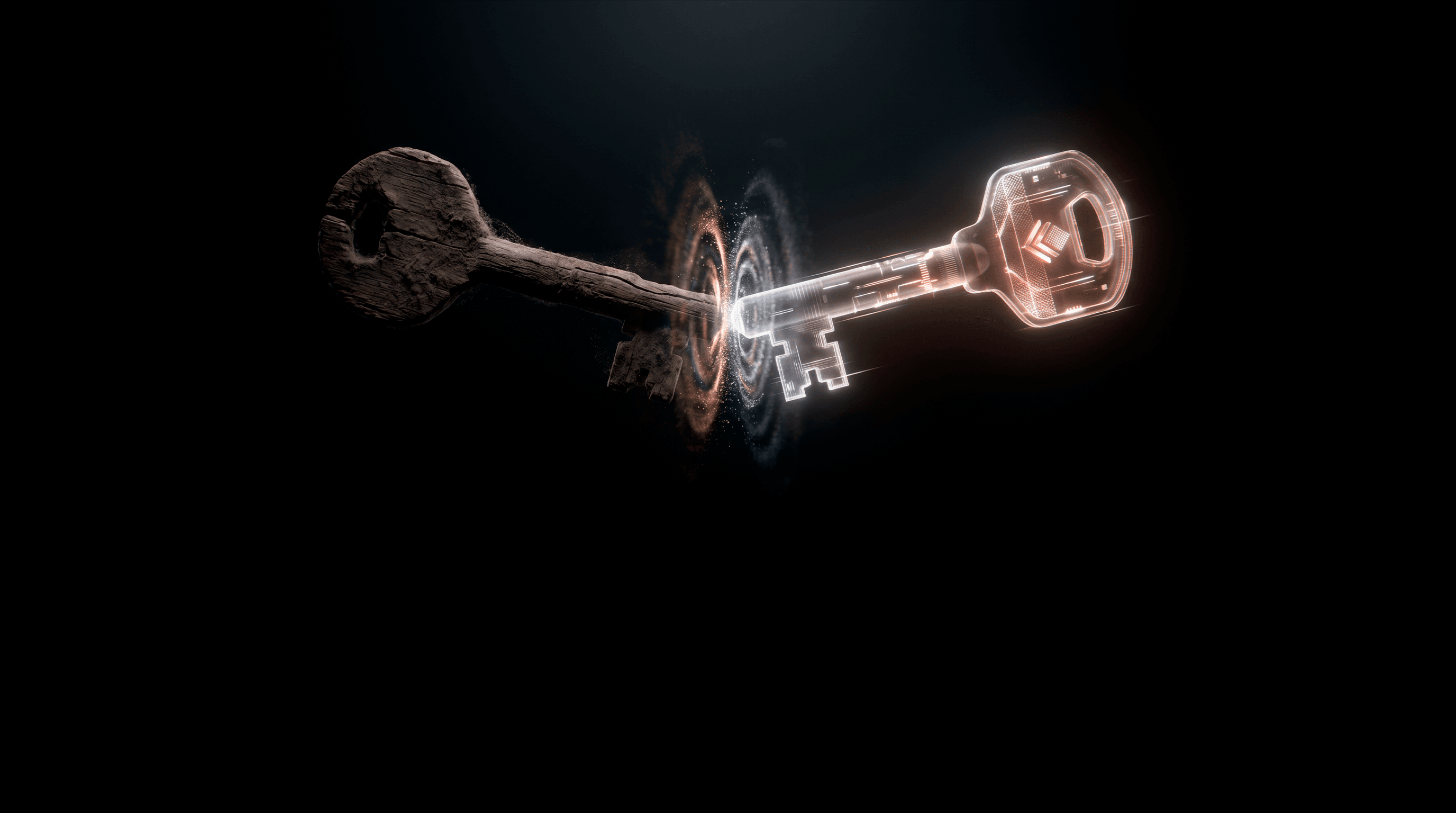
Passkeys vs Self-Custody: What's the Difference?
Passkeys store credentials securely.
Self-custody makes stored data useless without you.
 What Are Passkeys
How Passkeys Work
Passkeys replace passwords with cryptographic keys.

Generated on your device

Stored locally or synced via cloud

Used to authenticate without typing passwords
Major ecosystems like
Google Passkeys are driving adoption.
This creates a smoother login experience—without passwords.
Where Passkeys Fall ShortWhere Passkeys Fall Short
Passkeys improve usability. But they still depend on centralized infrastructure.
Key limitations:
Device dependency
Access is tied to your phone or laptop.
Cloud reliance
Syncing requires trust in providers.
Credential storage
Keys still exist somewhere.
Recovery complexity
Lose your device → rely on ecosystem recovery.
Passkeys Remove Passwords, But Not The System Behind Them.
What Is Self-CustodyHow Self-Custody
Changes the Model
Self-custody removes the risk in storage, because keys are never at rest.
Instead of storing keys:


 Side-by-Side Comparison
Self-Custody vs Passkeys
 Self-Custody
Key takeaway
Passkeys improve security.
Self-custody removes the attack surface entirely.


Choose Ownership
Over Convenience
Convenience removes friction.
Ownership removes risk.
