Password Manager Without Master Password: 3 Ways to Unlock Your Vault
Password manager without master password: compare 3 ways to unlock your vault (passkeys, device unlock, a live face check) and how ZelfKeys uses your face.
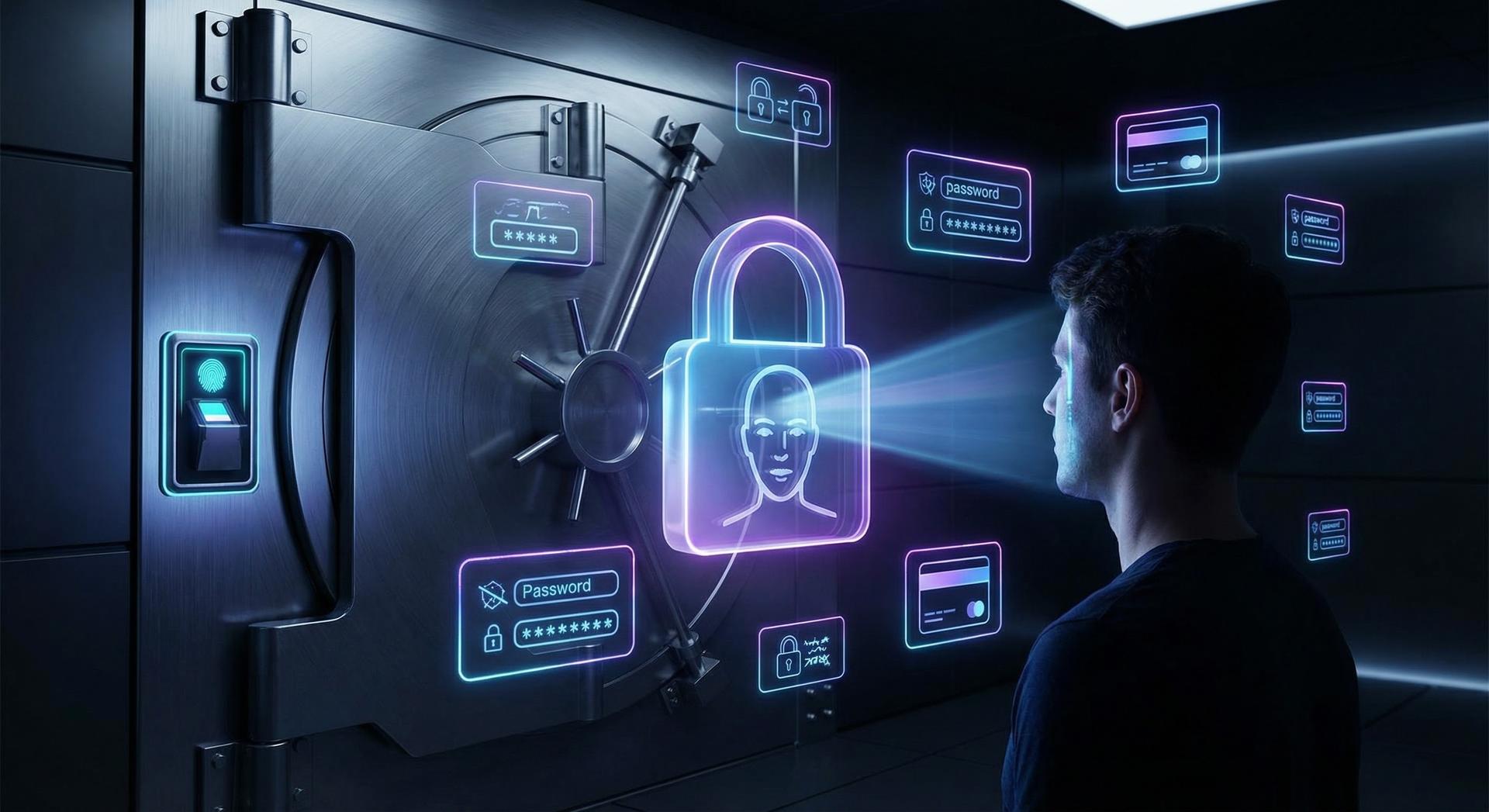
Why the master password is the weak point
- You forget it. Many vaults are encrypted so that the provider can't read them. That's good for privacy, but it also means a forgotten master password can lock you out of everything, unless you set up a recovery option in advance.
- Someone else gets it. A master password can be phished, reused on another site, or captured by malware. Whoever has it, plus access to your vault, has every account inside.
3 ways to go without a master password
1. Passkeys
2. Device unlock on a hosted vault
3. A face-unlocked, self-custody vault
What each option still depends on
| Passkeys | Device unlock on a hosted vault | Face-unlocked self-custody vault | |
|---|---|---|---|
| What you remember | Nothing, but you protect the platform account | Usually still a master password for new devices | Nothing |
| Where your data lives | Passkeys on device or synced to a platform account | The provider's servers | Encrypted vault you control |
| New phone | Restore through the platform account | Master password or account recovery | Live face check on the new device |
| Stores notes, cards, Wi-Fi | No | Yes | Yes |
How ZelfKeys works
- Your face is the key. You unlock the vault with a live face scan. According to the ZelfKeys page, the scan is used for local verification only, and Zelf doesn't store, share or upload it.
- Your vault is encrypted into a QR code. Your information is encrypted into a unique QR code secured on the Avalanche blockchain, using Zelf's HumanAuthn architecture with elliptic curve (ECC) encryption.
- There is no central vault. ZelfKeys describes itself as "No servers, no databases, no breaches", so there isn't one company database holding millions of vaults.
What you can store in ZelfKeys
- Passwords, with save and autofill so you log in without typing.
- Notes and documents you want to keep private.
- Payment cards and banking details.
- Wi-Fi logins and any other private information.
Set up a face-unlocked vault in 5 steps
- Download Zelf from the download page on your phone.
- Create your Zelf ID and complete the face scan.
- Add your first credentials, starting with your email account, since it can reset everything else.
- Install the web extension so ZelfKeys can save and autofill passwords on your computer.
- Test access on a second device before you delete passwords stored anywhere else.
Quick answers
Make your face the master password
Frequently Asked Questions
Can a password manager work without a master password?
Yes. A password manager can unlock your vault with a passkey, your device's biometrics or a live face check instead of a typed master password. The important question is who holds the decryption key, and whether a master password still exists in the background for new devices or account recovery when your phone is lost.
What happens if I forget my master password?
With many traditional password managers, the vault is encrypted so the provider can't read it, so a forgotten master password can lock you out unless you set up a recovery option beforehand. Check your manager's recovery settings today. A vault unlocked by your face removes the password you could forget in the first place.
Does ZelfKeys store my face?
According to the ZelfKeys product page, no. Your face scan is used only locally to verify your identity, and Zelf says it never stores or uploads biometric information. The scan unlocks your vault through HumanAuthn, Zelf's encryption architecture, while your encrypted data is kept in a unique QR code secured on Avalanche.
Is there a central server to breach with ZelfKeys?
No central vault. ZelfKeys encrypts your information into a unique QR code secured on the Avalanche blockchain instead of keeping everyone's vaults in one company database. Zelf's product page notes that even in extreme scenarios, risk is limited to one user's data instead of millions of users at once.
Are passkeys the same as a password manager without a master password?
Not quite. Passkeys replace passwords for signing in to websites that support them, and they resist phishing. A password manager also stores things passkeys don't cover, such as Wi-Fi passwords, card numbers and private notes. Many people use both: passkeys where available and a vault for everything else.