1
Select Your Files
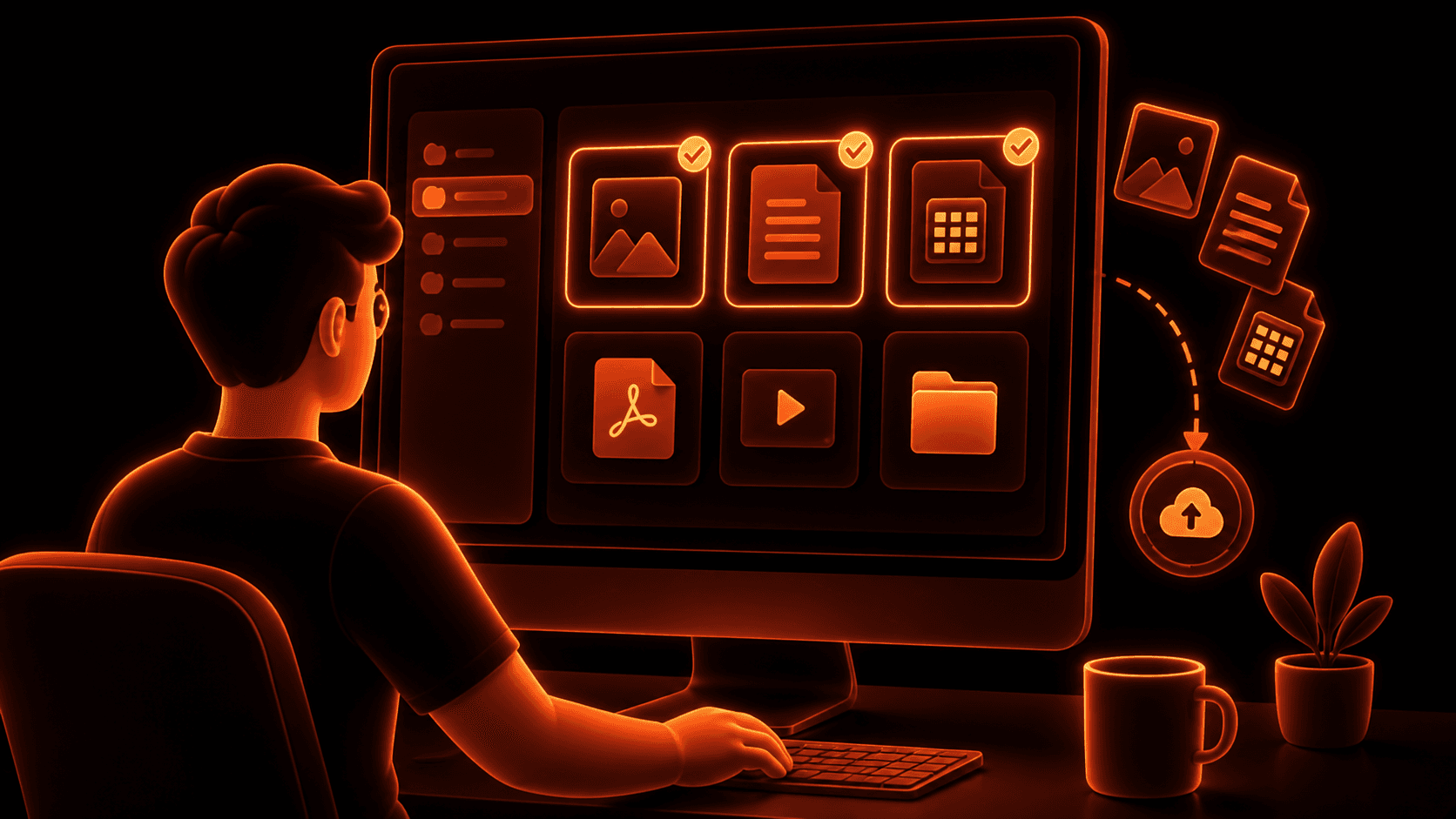
Choose one or multiple files directly from your computer.
Whether you're sharing a presentation, a 4K video, a ZIP archive, or an entire project folder, the first step is simply selecting what you want to send.
Send large files securely with encrypted transfer links. Share documents, photos, videos and folders without email attachment limits or requiring recipients to create an account.
→Secure Sharing Process
Choose one or multiple files directly from your computer.
Whether you're sharing a presentation, a 4K video, a ZIP archive, or an entire project folder, the first step is simply selecting what you want to send.
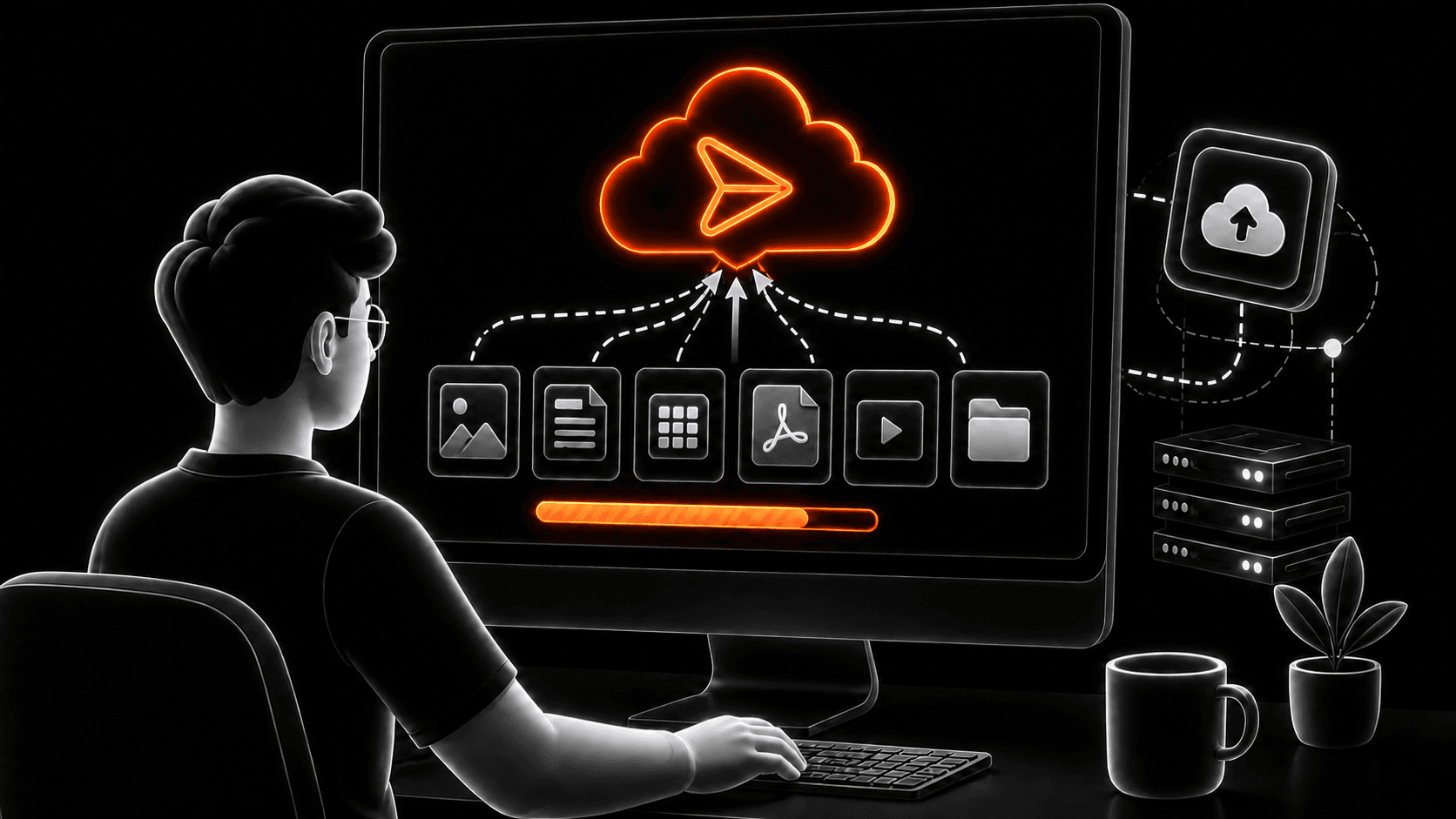
Your files are uploaded and a secure sharing link is generated automatically.
Instead of dealing with email attachment limits or complicated cloud permissions, simply copy the generated link.
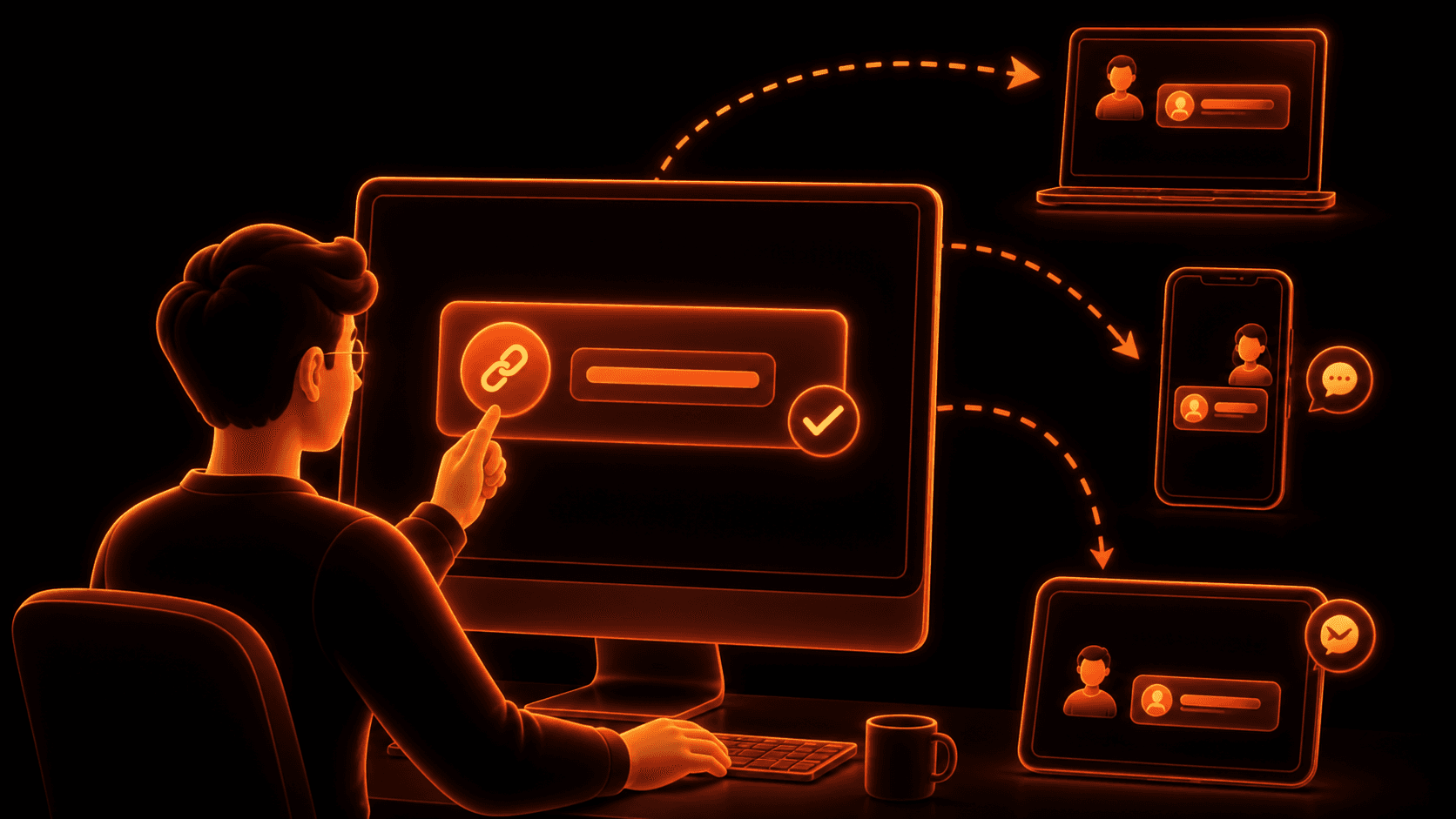
Recipients only need the link to download your files.
Send the secure link through email, messaging apps, or any communication platform.
→File Size Limits
Every file-sharing service has different limits.
Email attachments are often restricted to around 25 MB, making them unsuitable for videos, design assets, software builds, and other large files.
Modern file-sharing platforms and this Secure File Transfer tool solve this by generating secure download links instead of attaching files directly to emails.
With zSend P2P, you can upload and share large files without worrying about traditional email attachment limits.
→When Encryption Matters
Today's cloud file sharing works well—but it still depends on centralized infrastructure.
The next evolution is peer-to-peer file transfer, where files move directly between devices without relying on a centralized storage provider. We're building exactly that.
zSend P2P will allow you to send files directly between devices using Iroh, an open-source peer-to-peer networking stack built on open standards.
✓Direct device-to-device transfers
✓No file size limits imposed by centralized storage
✓Faster transfers on local or optimized networks
✓Open standards with no vendor lock-in
✓Greater control over your data
After uploading your file, simply share the secure download link through your preferred communication platform.
Transfer Files Now→File Transfer FAQs
Learn how to send large files, folders, and cloud documents securely. Find answers about file sizes, download links, encryption, expiration, mobile sharing, and more.
Yes. You can send large files for free using secure download links. Instead of attaching files to an email, simply upload your files, generate a shareable link, and send it through email, messaging apps, or your favorite collaboration platform.