Zelf Auth — децентрализованная
2FA-защита с HumanAuthn
Храните, защищайте и восстанавливайте секреты 2FA с помощью биометрического шифрования, децентрализованного хранения и офлайн-доступа. Никаких ненадёжных резервных копий и единой точки отказа.
Zelf Auth синхронизируется на любом устройстве в любое время
Большинство приложений-аутентификаторов по-прежнему вынуждают выбирать между рисками: хранить секреты 2FA только на одном устройстве и навсегда потерять их либо полагаться на централизованные резервные копии и синхронизацию, увеличивая поверхность атаки.
Zelf Auth меняет этот подход.
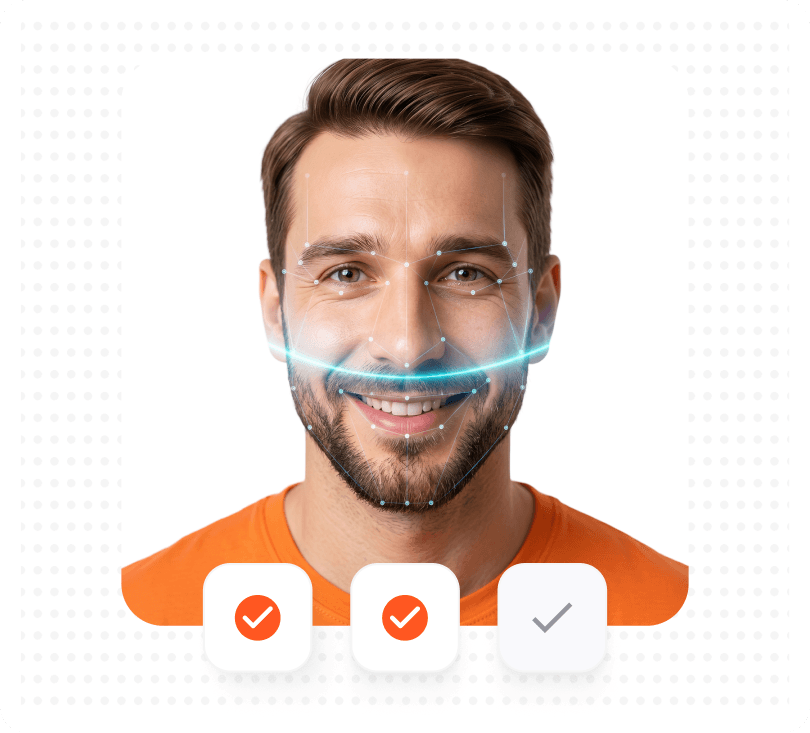
С HumanAuthn секреты 2FA можно шифровать и расшифровывать с помощью биометрии, а затем хранить в децентрализованной архитектуре, которая снижает зависимость от сторонних хранителей.
Возможности
Более надёжный способ
защиты и восстановления 2FA
Создайте или импортируйте аккаунты 2FA
Добавьте аккаунты 2FA на основе OTP так же, как в обычном приложении-аутентификаторе.
Зашифруйте их с помощью HumanAuthn
Секреты 2FA защищаются биометрическим шифрованием и расшифровкой, поэтому доступ привязан к законному владельцу.
Храните их в децентрализованной архитектуре
Зашифрованные данные 2FA можно хранить через IPFS, не полагаясь исключительно на централизованные сторонние хранилища.
Восстанавливайте без тревоги за резервные ключи
Защитите Zelf ID и уменьшите последствия потери телефона, взлома резервных копий и небезопасных способов восстановления.
Сравните Zelf Auth с обычными приложениями-аутентификаторами
Большинство аутентификаторов решают только задачу генерации кодов. Zelf Auth также решает задачи восстановления, хранения и устойчивости.
| Возможность | Zelf Auth | 2FAs | Authy | Microsoft | |
|---|---|---|---|---|---|
| Конфиденциальность: Номер телефона и электронная почта не требуются | |||||
| Открытый исходный код | |||||
| Децентрализация: Данные хранятся в блокчейне/IPFS и не отправляются на сторонние серверы | |||||
| Соответствие требованиям GDPR / CCPA | |||||
| Биометрическое шифрование и расшифровка секретов 2FA | |||||
| Зашифрованные резервные ключи, снижающие риск потери и компрометации | |||||
| Защита от рисков, подобных Pixnapping | |||||
| Работа офлайн: Вся информация доступна на устройстве в любое время и в любом месте |
Примечания
В зависимости от настроек Google и Microsoft могут использовать синхронизацию с аккаунтом или восстановление внутри своей экосистемы. Google Authenticator может синхронизировать коды с аккаунтом Google, а Microsoft Authenticator поддерживает облачное резервное копирование и восстановление. 2FAS прямо заявляет, что имеет открытый исходный код и обеспечивает анонимность.
Защита от угроз, которые другие
аутентификаторы игнорируют
Zelf Auth не просто генерирует коды — он защищает стоящие за ними секреты.
Шифрование секретов 2FA при хранении
Данные для восстановления не должны храниться в ненадёжном или легко экспортируемом виде. Zelf Auth хранит материалы 2FA в зашифрованном виде и связывает их с моделью шифрования, основанной на личности.
Не теряйте резервные ключи
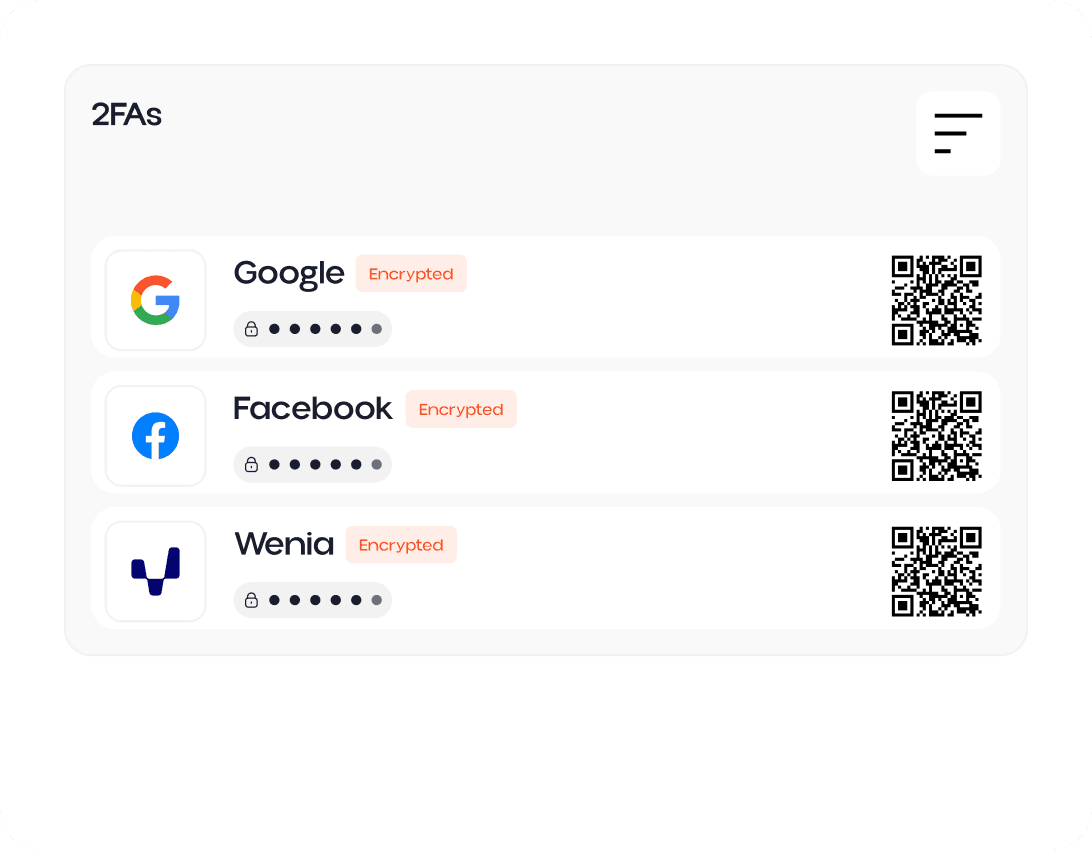
Обычные системы 2FA часто подводят в самый неподходящий момент: при потере или поломке телефона, сбросе приложения, недоступной резервной копии либо взломанном способе восстановления. Zelf Auth сохраняет ключи восстановления в виде зашифрованных QR-кодов в IPFS, устраняя необходимость выбирать между удобством и риском безвозвратной потери.
Противодействие Pixnapping
Исследователи показали, что Pixnapping может раскрывать конфиденциальную информацию с экранов Android, включая одноразовые коды из приложений-аутентификаторов. Zelf Auth предлагает более надёжную модель для пользователей, которые хотят снизить риск утечки видимых на экране секретов, резервных копий и данных восстановления.
Если секрет 2FA можно потерять, не восстановить или украсть через Pixnapping, его нельзя считать по-настоящему защищённым.


Перейдите от обычных приложений 2FA
к децентрализованной защите 2FA
Защитите 2FA с помощью биометрического шифрования HumanAuthn, зашифрованного хранения, офлайн-доступа и децентрализованной архитектуры восстановления.