Zelf Auth — Terdesentralisasi
2FA yang Dilindungi HumanAuthn
Simpan, lindungi, dan pulihkan rahasia 2FA Anda dengan enkripsi biometrik, penyimpanan terdesentralisasi, dan akses luring. Tanpa cadangan yang rentan. Tanpa satu titik kegagalan.
Zelf Auth tersinkron di perangkat apa pun, kapan pun
Sebagian besar aplikasi autentikator masih memaksa pengguna memilih risiko: menyimpan rahasia 2FA hanya di satu perangkat dan berisiko kehilangannya selamanya, atau mengandalkan pencadangan dan sinkronisasi terpusat yang memperluas permukaan serangan.
Zelf Auth mengubah model tersebut.
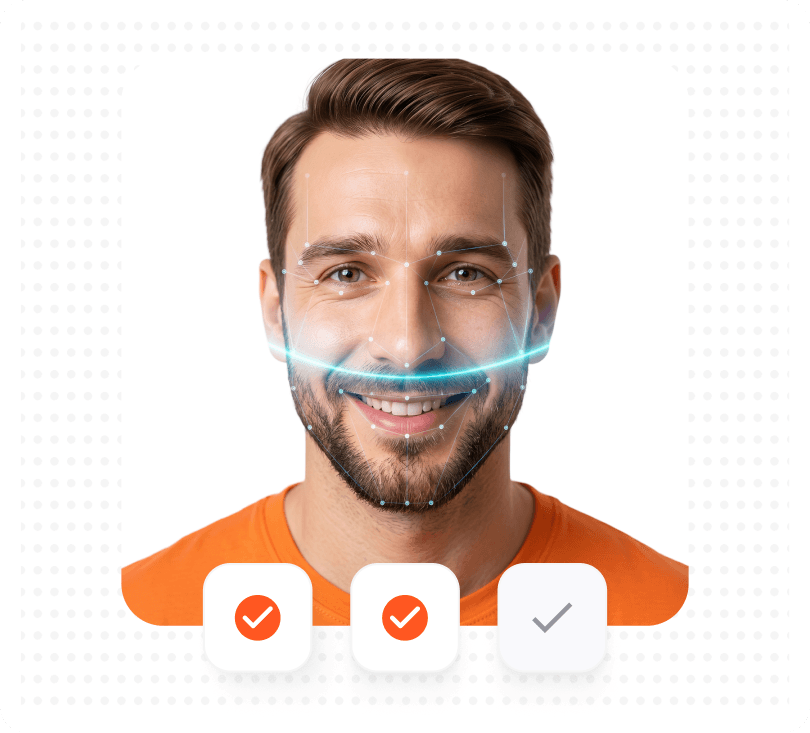
Dengan HumanAuthn, rahasia 2FA Anda dapat dienkripsi dan didekripsi secara biometrik, kemudian disimpan dalam arsitektur yang mengutamakan desentralisasi untuk mengurangi ketergantungan pada kustodian pihak ketiga.
Fitur
Cara yang lebih baik untuk
mengamankan dan memulihkan 2FA
Buat atau impor akun 2FA Anda
Tambahkan akun 2FA berbasis OTP seperti yang biasa dilakukan di aplikasi autentikator standar.
Enkripsi dengan HumanAuthn
Rahasia 2FA Anda dilindungi melalui enkripsi dan dekripsi biometrik, sehingga membantu mengikat akses kepada pengguna yang sah.
Simpan dalam arsitektur yang mengutamakan desentralisasi
Data 2FA terenkripsi dapat disimpan melalui IPFS, tanpa hanya bergantung pada pola penyimpanan terpusat milik pihak ketiga.
Pulihkan tanpa kecemasan terhadap kunci cadangan
Amankan Zelf ID dan kurangi dampak ponsel hilang, alur pencadangan yang disusupi, serta kebiasaan pemulihan yang tidak aman.
Bandingkan Zelf Auth dengan aplikasi autentikator tradisional
Sebagian besar aplikasi autentikator menyelesaikan masalah pembuatan kode. Zelf Auth juga dirancang untuk menyelesaikan masalah pemulihan, penyimpanan, dan ketahanan.
| Fitur | Zelf Auth | 2FAs | Authy | Microsoft | |
|---|---|---|---|---|---|
| Privasi: Tidak memerlukan nomor telepon atau alamat email | |||||
| Sumber terbuka | |||||
| Mengutamakan desentralisasi: Data disimpan di Blockchain/IPFS, bukan dikirim ke server pihak ketiga | |||||
| Posisi kepatuhan GDPR / CCPA | |||||
| Enkripsi dan dekripsi biometrik untuk rahasia 2FA | |||||
| Kunci cadangan terenkripsi yang dirancang untuk mengurangi risiko kehilangan dan penyusupan | |||||
| Perlindungan terhadap risiko seperti Pixnapping | |||||
| Berfungsi luring: Semua informasi tersedia di perangkat Anda kapan saja dan di mana saja |
Catatan kaki
Bergantung pada pengaturan, Google dan Microsoft dapat melibatkan sinkronisasi yang tertaut ke akun atau alur pemulihan yang tertaut ke ekosistem. Google Authenticator dapat menyinkronkan kode ke Akun Google, sedangkan Microsoft Authenticator mendukung pencadangan dan pemulihan awan. 2FAS secara tegas menyatakan bahwa layanannya bersumber terbuka dan anonim.
Dibuat untuk menghadapi ancaman yang
diabaikan autentikator lain
Zelf Auth bukan hanya tentang menghasilkan kode, tetapi juga melindungi rahasia di baliknya.
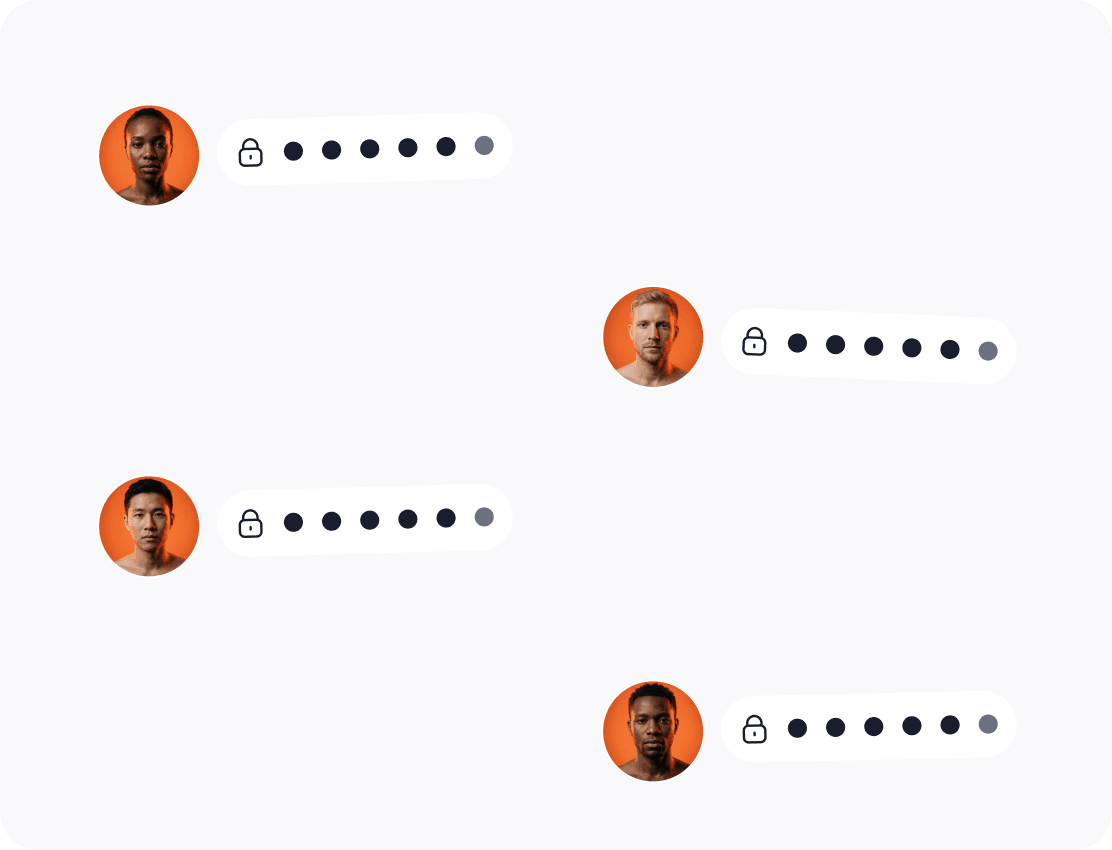
Rahasia 2FA dienkripsi saat disimpan
Jika data pemulihan tersedia, data tersebut tidak boleh berada dalam bentuk yang rentan atau mudah diekspor. Zelf Auth menjaga materi 2FA tetap terenkripsi saat disimpan dan terikat pada model enkripsi berbasis identitas manusia.
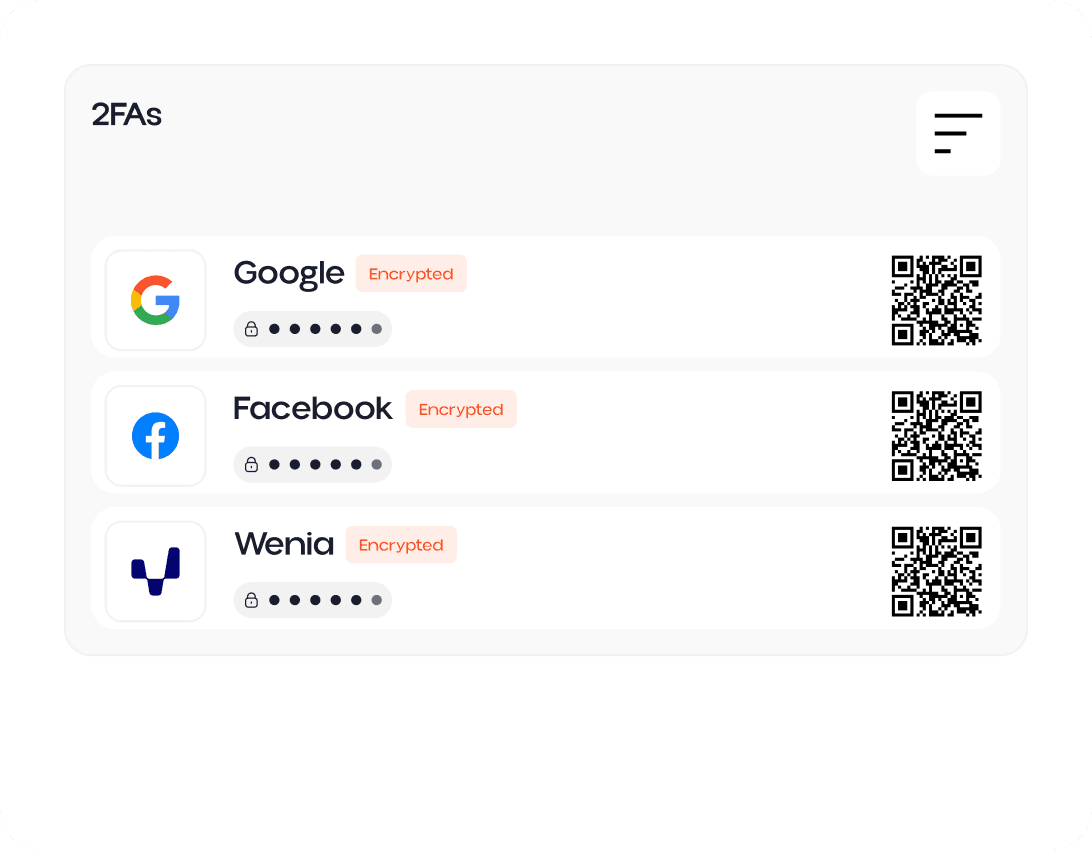
Jangan pernah kehilangan kunci cadangan
Pengaturan 2FA tradisional sering gagal pada saat terburuk: ponsel hilang atau rusak, aplikasi diatur ulang, cadangan tidak dapat diakses, atau jalur pemulihan disusupi. Zelf Auth menyimpan kunci pemulihan Anda sebagai kode QR terenkripsi di IPFS, sehingga menghilangkan pilihan sulit antara kenyamanan dan kehilangan permanen.
Perlindungan terhadap Pixnapping
Peneliti telah menunjukkan bahwa Pixnapping dapat membocorkan informasi sensitif yang ditampilkan pada layar Android, termasuk kode sekali pakai dari aplikasi autentikator. Zelf Auth menawarkan model yang lebih kuat bagi pengguna yang ingin mengurangi paparan rahasia di layar, kebocoran cadangan, dan penyusupan pemulihan.
Jika rahasia 2FA Anda dapat hilang, tidak dapat dipulihkan, atau dicuri melalui Pixnapping, berarti rahasia tersebut belum benar-benar aman.


Beralih dari aplikasi 2FA dasar
ke keamanan 2FA terdesentralisasi
Lindungi 2FA Anda dengan enkripsi biometrik HumanAuthn, penyimpanan terenkripsi, akses luring, dan arsitektur pemulihan terdesentralisasi.