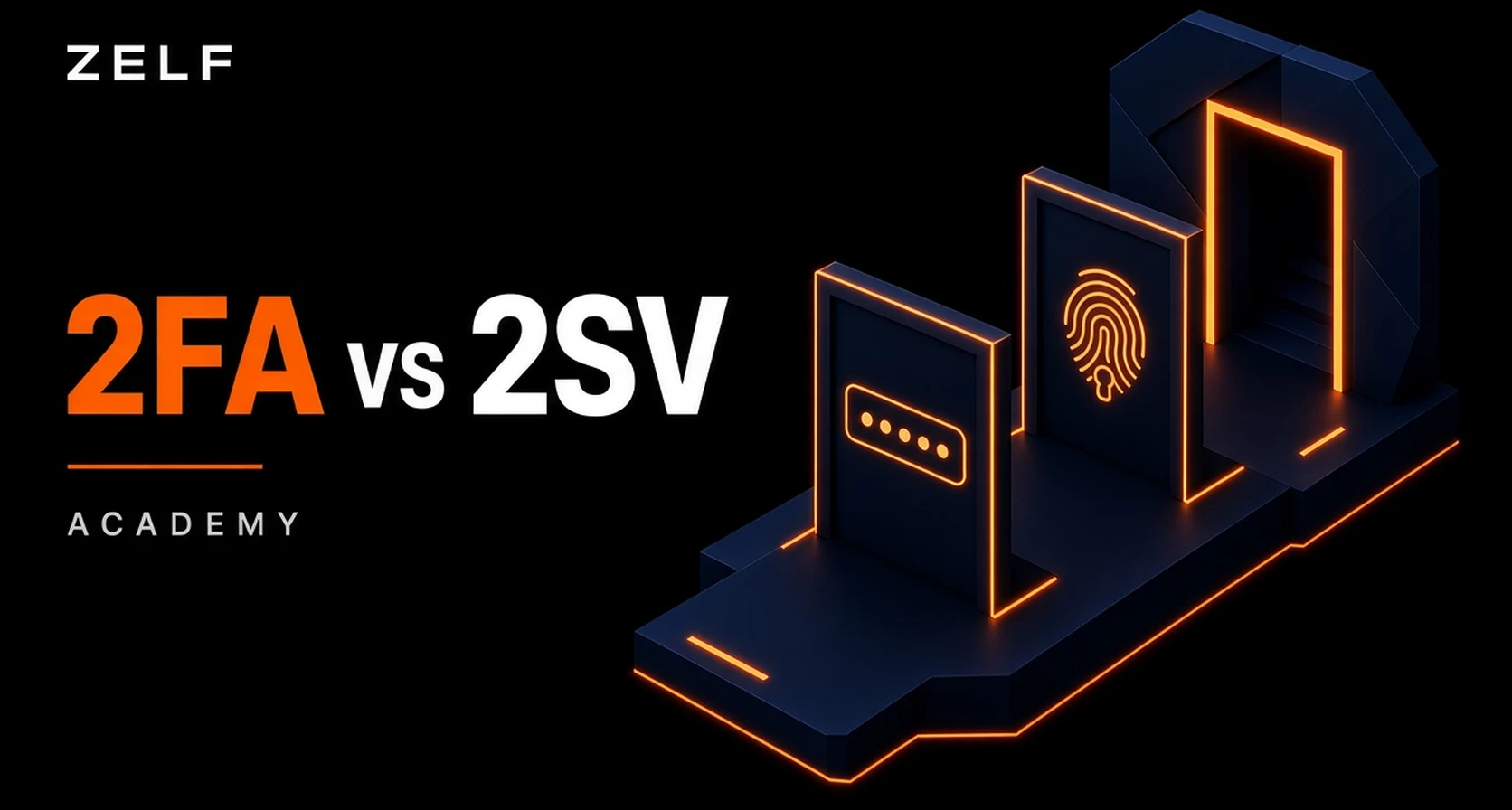
Two-factor authentication (2FA) requires evidence from two different authentication categories, such as a password and an authenticator. Two-step verification (2SV) describes a sign-in process with two verification steps, which do not necessarily use different categories.
The distinction is between what you prove and how many checks you complete. Entering two passwords adds a step, but both still rely on something you know. Entering a password followed by a code from an enrolled authenticator introduces a different factor.
The terminology is not universal. Some providers call their multi-factor security feature “two-step verification.” Google, for example, uses both terms when describing its account protection. The name alone does not establish how a system works or how secure it is.
Google Account Help: 2-Step VerificationKey Takeaways
- 2FA concerns factor types: It combines two different categories of evidence.
- 2SV concerns the process: Two checks can use the same factor category or different ones.
- The terms can overlap: A password followed by an authenticator code can be both 2FA and two-step verification.
- Two factors do not always require two visible steps: A multi-factor authenticator can combine possession with a local PIN or biometric check.
- Security depends on the method: Phishing resistance, credential protection, and recovery matter more than a product label.
- Zelf protects your 2FA codes: Zelf Secur combines biometric encryption, decentralized backups, and recovery through Zelf ID to strengthen 2FA credential security.
What Is Two-Factor Authentication?
Two-factor authentication is a form of multi-factor authentication that uses two distinct factor categories.
| Factor | What it means | Examples |
|---|
| Knowledge | Something you know | A password or PIN |
| Possession | Something you have or control | An enrolled authenticator, cryptographic security key, or device-held credential |
| Inherence | Something you are | A fingerprint or facial characteristic used in biometric verification |
The three commonly recognized categories are: A username identifies the account being accessed; it is not an additional authentication factor. Similarly, two knowledge-based secrets do not become two factors simply because they are different.
NIST’s digital authentication guidance distinguishes between individual authenticators and multi-factor authenticators that require an additional activation factor, such as a PIN or biometric verification.
NIST: Authentication and Authenticator ManagementExample of 2FA
Maya signs in to an account using a password. The service then asks for a temporary code from her enrolled authenticator app.
The password supplies a knowledge factor. The authenticator supplies evidence of control over the secret used to generate the code—a possession factor.
A time-based one-time password, or
TOTP, is calculated from a shared secret and the current time. The app does not need a new text message each time it generates a code. Protecting the underlying secret remains essential.
RFC 6238: Time-Based One-Time Password AlgorithmWhat Is Two-Step Verification?
Two-step verification describes a process in which a user completes two verification checks during sign-in.
For example, a service might ask for:
- A password.
- A separate PIN.
That is a two-step process, but both checks rely on knowledge. It does not introduce a second factor category.
Another service might request a password and an authenticator code. That process has two steps and uses two different factors.
This is the useful conceptual distinction:
counting screens or prompts does not tell you how many factor categories are involved. Providers may nevertheless use “2SV” as the name for a feature that supports genuine 2FA.
Google: Sign-In Methods for 2-Step VerificationKey Differences Between 2FA and 2SV
| Comparison | Two-Factor Authentication | Two-Step Verification |
|---|
| Defining characteristic | Two different factor categories | Two verification steps |
| Must use different categories? | Yes | Not necessarily |
| Typical example | Password plus an enrolled authenticator code | Password followed by another check |
| Can use two knowledge checks? | That combination alone is not 2FA | Yes |
| Must involve two visible steps? | No; a multi-factor authenticator can combine factors in one flow | The term describes a two-step process |
| Does the label guarantee phishing resistance? | No | No |
The categories overlap rather than form a simple ranking. A service branded as 2SV may offer strong, phishing-resistant authentication. A service branded as 2FA may still use codes that an attacker can capture through phishing.
Common Authentication Methods Explained
Password Plus an Authenticator Code
A password followed by a code from an enrolled authenticator is a common 2FA arrangement.
The code changes over time, but the authenticator’s shared secret must remain protected. Someone who obtains that secret may be able to generate valid codes themselves.
Time-limited codes also remain vulnerable to real-time phishing: an attacker can trick a person into entering a current code on a fraudulent page and relay it to the genuine service.
NIST: One-Time Password AuthenticatorsPassword Plus an SMS Code
A password combined with a code sent to a registered phone number can constitute 2FA. SMS codes should not automatically be classified as knowledge factors simply because users type them.
However, SMS introduces risks associated with telephone-number control, including SIM changes and number-porting attacks. NIST treats telephone-network authentication as restricted and requires additional considerations for its use.
NIST: Telephone Network AuthenticationPassword Plus an Email Code
An email code demonstrates access to a mailbox, but it does not automatically demonstrate control of an independent possession factor.
Its protection depends on how that mailbox is secured and whether an attacker can access it through the same compromised credentials or session. NIST does not permit email as an out-of-band authentication method within its digital authentication framework.
Confirming an email address and recovering an account are separate processes with different purposes.
NIST: Out-of-Band AuthenticationSecurity Keys and Passkeys
FIDO security keys and passkeys use cryptographic credentials associated with the legitimate service. This helps prevent a fraudulent website from collecting a reusable login secret.
A passkey flow that requires local user verification through a PIN or biometric can combine possession and knowledge or inherence without asking the user to enter a website password and then a code.
Whether a security key supplies one or multiple factors depends on its configuration and whether user verification is required. Touching a key to confirm presence is different from verifying a PIN or fingerprint.
FIDO Alliance: PasskeysIs 2FA More Secure Than 2SV?
Two distinct factors generally provide a stronger barrier against password compromise than two knowledge-based checks. But that does not mean every feature called 2FA is stronger than every feature called 2SV.
A more useful evaluation asks:
- Can a stolen password alone defeat the process?
- Can a fraudulent website capture or relay the authentication response?
- Can an attacker obtain both credentials from the same compromised device or account?
- Can account recovery bypass the normal protections?
- Does the user understand which prompts to approve?
Phishing-resistant methods offer protection that manually entered codes do not. For example, passkeys bind authentication to the service they were created for, helping prevent their use on an impersonating website.
FIDO Alliance: How Passkeys Protect Sign-InBenefits and Limitations of Additional Authentication
Benefits
- Protection after password theft: An attacker may still need another authenticator even after obtaining the password.
- Less reliance on a single secret: Different factor categories create additional barriers to unauthorized access.
- More choice in account protection: Services may offer authenticators, security keys, or passkeys to suit different needs.
- Simpler sign-in with suitable methods: Passkeys can combine strong authentication with a familiar device-unlock experience. Google: Additional Account Protection; FIDO Alliance: Passkeys
Limitations
Additional authentication does not protect against every attack. A compromised device, stolen session, misleading approval request, or weak recovery process can still put an account at risk.
More prompts are not automatically better. Requiring users to complete several checks offers limited value if the same compromise defeats all of them. Authentication should be evaluated as a complete system, including enrollment, daily access, and recovery.
NIST: Authentication Lifecycle and Security ConsiderationsHow to Choose an Authentication Method
Start by checking what the service actually supports rather than relying on whether its settings say “2FA” or “2SV.”
Where available, consider a phishing-resistant option such as a passkey or a properly configured FIDO security key. Understand how credentials are backed up or synchronized, and how you would regain access after losing a device.
If you use authenticator codes, protect the app and its recovery material. Never enter a code into a page reached through an unexpected message, or approve a sign-in request you did not initiate.
Finally, review recovery settings. Keep supported backup methods available and remove obsolete devices or telephone numbers. Strong everyday authentication needs a recovery process that preserves its protections.
NIST: Authenticator ManagementHow Zelf protects 2FA to strengthen your privacy and security
Two-factor authentication adds protection to your accounts, but keeping authentication secrets secure—and recovering them after losing a phone—can be challenging.
Zelf Secur, self-custody authenticator, protects your 2FA secrets with HumanAuthn-based biometric encryption and keeps them encrypted at rest. Encrypted backups stored through IPFS and Arweave support recovery with Zelf ID, reducing dependence on a single device. Zelf Secur also generates codes offline and requires no phone number or email address, combining practical access with privacy. Finally, Zelf Secur allows you to decrypt 2FA secrets, selectively, one at a time, reducing
Pixnapping attacks.
Explore More.