Zelf Auth — Merkeziyetsiz
HumanAuthn Korumalı 2FA
2FA sırlarınızı biyometrik şifreleme, merkeziyetsiz depolama ve çevrimdışı erişimle saklayın, koruyun ve kurtarın. Kırılgan yedekler ve tek bir hata noktası yok.
Zelf Auth her cihazda, her zaman senkronize olur
Çoğu doğrulayıcı uygulaması kullanıcıları hâlâ riskli bir seçime zorlar: 2FA sırlarını yalnızca tek bir cihazda tutup sonsuza dek kaybetme riski almak ya da saldırı yüzeyini genişleten merkezi yedekleme ve eşitleme modellerine güvenmek.
Zelf Auth bu modeli değiştirir.
HumanAuthn ile 2FA sırlarınız biyometrik olarak şifrelenip çözülebilir ve ardından üçüncü taraf saklama hizmetlerine bağımlılığı azaltmak üzere tasarlanmış merkeziyetsiz öncelikli bir mimaride depolanabilir.
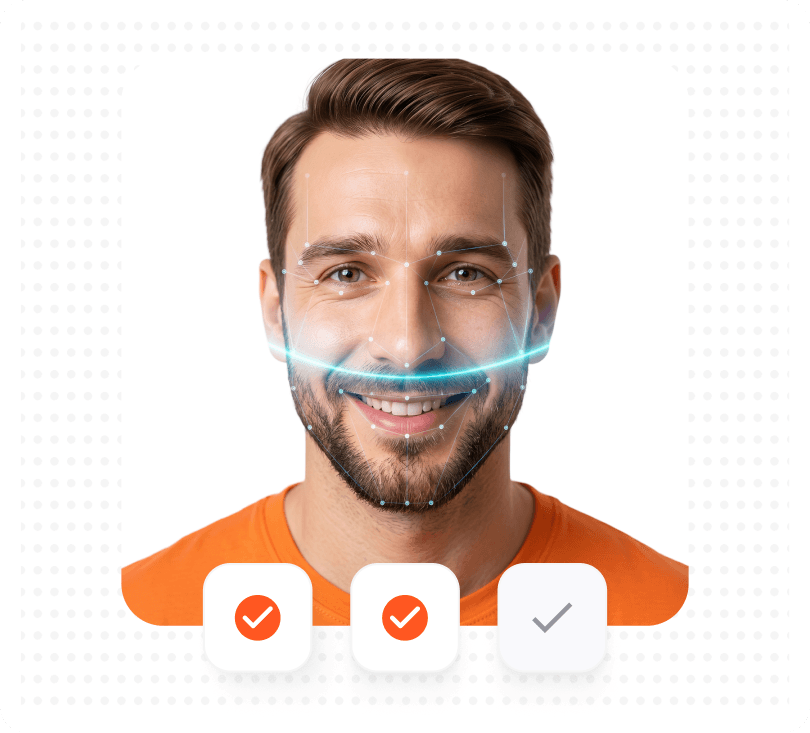
Özellikler
2FA'yı korumanın ve kurtarmanın
daha iyi yolu
2FA hesaplarınızı oluşturun veya içe aktarın
OTP tabanlı 2FA hesaplarınızı standart bir doğrulayıcı uygulamasında olduğu gibi ekleyin.
HumanAuthn ile şifreleyin
2FA sırlarınız biyometrik şifreleme ve şifre çözme ile korunur; bu da erişimin gerçek kullanıcıya bağlanmasına yardımcı olur.
Merkeziyetsiz öncelikli bir mimaride saklayın
Şifreli 2FA verileri yalnızca merkezi üçüncü taraf depolama modellerine bağlı kalmak yerine IPFS üzerinden saklanabilir.
Yedek anahtar endişesi olmadan kurtarın
Bir Zelf ID'yi güvenceye alın; kayıp telefonların, ele geçirilmiş yedekleme akışlarının ve güvensiz kurtarma alışkanlıklarının oluşturduğu sorunları azaltın.
Zelf Auth ile geleneksel doğrulayıcı uygulamalarını karşılaştırın
Çoğu doğrulayıcı uygulaması kod oluşturma sorununu çözer. Zelf Auth kurtarma, depolama ve dayanıklılık sorunlarını da çözmek için tasarlanmıştır.
| Özellik | Zelf Auth | 2FAs | Authy | Microsoft | |
|---|---|---|---|---|---|
| Gizlilik: Telefon numarası veya e-posta adresi gerekmez | |||||
| Açık kaynak | |||||
| Merkeziyetsiz öncelikli: Veriler Blockchain/IPFS'de saklanır, üçüncü taraf sunuculara gönderilmez | |||||
| GDPR / CCPA uyumluluk yaklaşımı | |||||
| 2FA sırlarının biyometrik olarak şifrelenmesi ve çözülmesi | |||||
| Kayıp ve ele geçirilme riskini azaltmak için tasarlanmış şifreli yedek anahtarlar | |||||
| Pixnapping benzeri risklere karşı koruma | |||||
| Çevrimdışı çalışır: Cihazınızdaki tüm bilgiler her zaman, her yerde erişilebilir |
Dipnotlar
Yapılandırmaya bağlı olarak Google ve Microsoft, hesaba bağlı eşitleme veya ekosisteme bağlı kurtarma akışları kullanabilir. Google Authenticator kodları bir Google Hesabı ile eşitleyebilir; Microsoft Authenticator ise bulut yedekleme ve geri yüklemeyi destekler. 2FAS, açık kaynaklı ve anonim olduğunu açıkça belirtir.
Diğer doğrulayıcı uygulamaların
görmezden geldiği tehditler için tasarlandı
Zelf Auth yalnızca kod üretmez; bu kodların arkasındaki sırları da korur.
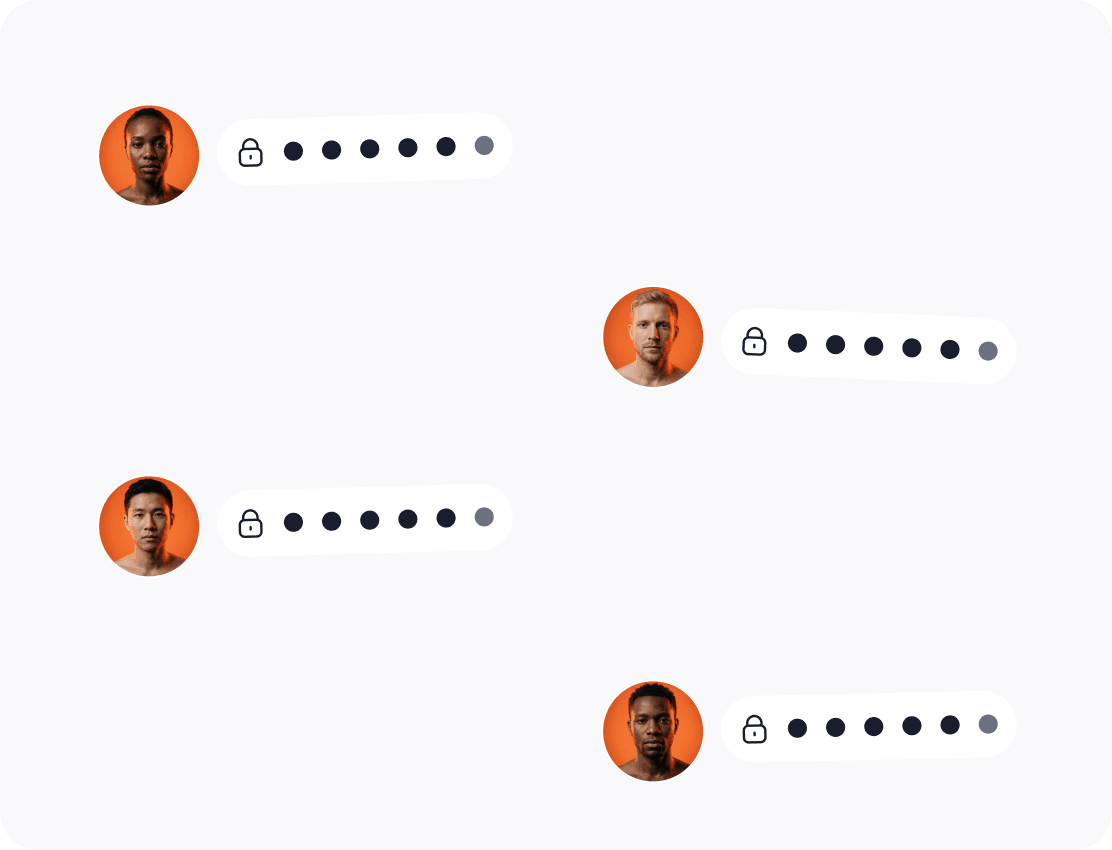
2FA sırları depolama sırasında şifrelenir
Kurtarma verileri varsa, kırılgan veya kolayca dışa aktarılabilir biçimde bulunmamalıdır. Zelf Auth, 2FA verilerini depolama sırasında şifreli ve insana dayalı bir şifreleme modeline bağlı tutar.
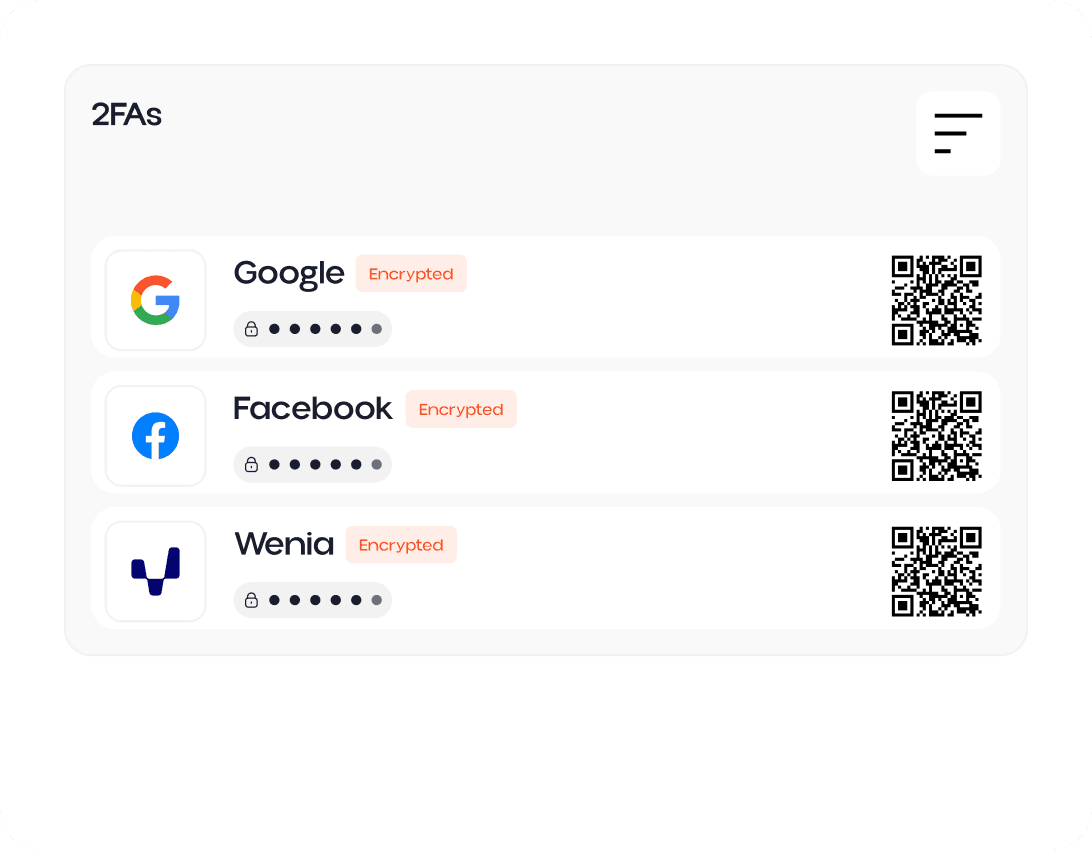
Yedek anahtarlarınızı asla kaybetmeyin
Geleneksel 2FA kurulumları çoğu zaman en kötü anda başarısız olur: kayıp veya bozuk telefon, sıfırlanan uygulama, erişilemeyen yedek ya da ele geçirilmiş kurtarma yolu. Zelf Auth, kurtarma anahtarlarınızı IPFS'de saklanan şifreli QR kodları olarak korur ve kolaylık ile kalıcı kayıp arasında seçim yapma zorunluluğunu ortadan kaldırır.
Pixnapping'e karşı koruma
Araştırmacılar, Pixnapping'in doğrulayıcı uygulamalarındaki tek kullanımlık kodlar da dahil olmak üzere Android ekranlarında gösterilen hassas bilgileri sızdırabileceğini ortaya koydu. Zelf Auth; ekranda görünen sırlar, yedek sızıntıları ve kurtarma verilerinin ele geçirilmesi riskini azaltmak isteyenler için daha güçlü bir model sunar.
2FA sırrınız kaybolabiliyor, kurtarılamıyor veya Pixnapping ile çalınabiliyorsa gerçekten güvenli değildir.


Temel 2FA uygulamalarından
merkeziyetsiz 2FA güvenliğine geçin
2FA'nızı HumanAuthn biyometrik şifreleme, şifreli depolama, çevrimdışı erişim ve merkeziyetsiz kurtarma mimarisiyle koruyun.