正在直播
🚀 ZNS代币预售进行中!获得高达50%的奖励代币立即购买
ZELF
Zelf

服务

zWallet

自托管、恢复与密钥

zKeys

密码管理器

zAuth

Self-custody 2FA

zSignals

交易信号与洞察

探索

$ZNS

购买代币

Zelf ID

加入身份层

奖励

领取并赢取 $ZNS 代币

NFT 市场

发现并收藏 NFT

公司

使命

愿景与价值观

宏伟蓝图

路线图与未来

代币经济学

经济与分配

安全

HumanAuthn

生物识别身份层

开发文档

指南与 API 参考

Zelf ID 注册表

链上名称注册

GitHub Web 扩展

开源代码

GitHub 在线版本

开源代码

博客Pricing
🇨🇳 zh
下载
New generation 2FA

Zelf Auth — Decentralized
2FA Protected by HumanAuthn

Store, protect, and recover your 2FA secrets with biometric encryption, decentralized storage, and offline access. No fragile backups. No central point of failure.

Download Zelf Auth See how it works
Encrypted at restOffline-readyIPFS-backedHumanAuthn secured
Why Zelf Auth

2FA should not
depend on fragile secrets

Most authenticator apps still force users into risky tradeoffs: either you keep your 2FA secrets only on one device and risk losing them forever, or you rely on centralized backup and syncing models that expand your attack surface.

Zelf Auth changes that model.

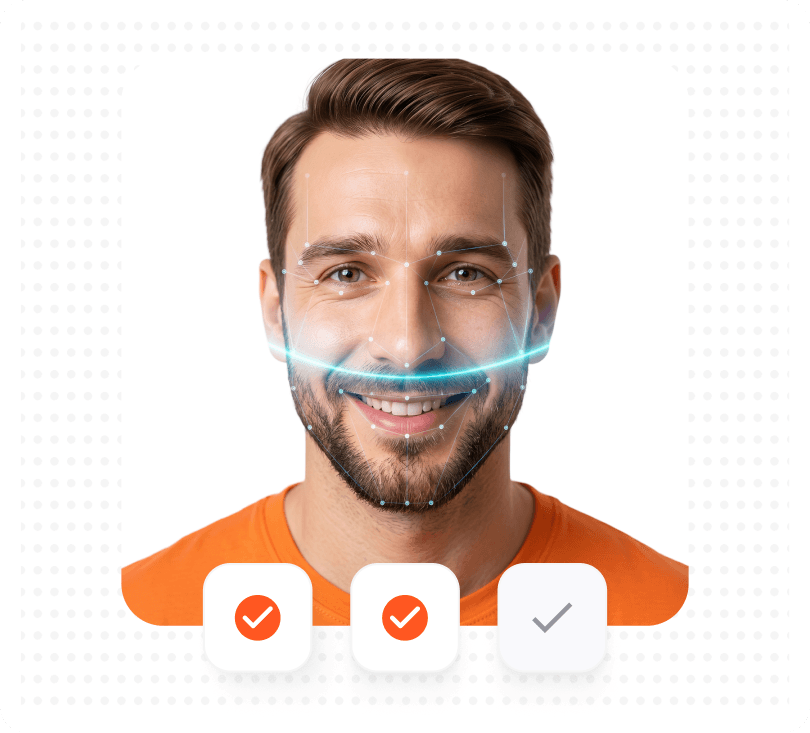
With HumanAuthn, your 2FA secrets can be biometrically encrypted and decrypted, then stored in a decentralized-first architecture designed to reduce dependence on third-party custodians.

Biometric protection

Discord

Amazon

Facebook

Feature Cards

How it works

A better way to
secure and recover 2FA

Explore Zelf Auth
Step 1

Create or import your 2FA accounts

Add your OTP-based 2FA accounts like you would in a standard authenticator app.

Step 2

Encrypt them with HumanAuthn

Your 2FA secrets are protected through biometric encryption/decryption, helping bind access to the legitimate user.

Step 3

Store them in a decentralized-first architecture

Encrypted 2FA data can be stored through IPFS, rather than depending only on centralized third-party storage patterns.

Step 4

Recover without the usual backup-key anxiety

Secure a Zelf ID and reduce the pain of lost phones, compromised backup flows, and insecure recovery habits.

Comparison

Compare Zelf Auth vs traditional authenticator apps

Most authenticator apps solve the code-generation problem. Zelf Auth is built to solve the recovery, storage, and resilience problem too.

FeatureZelf Auth2FAsGoogleAuthyMicrosoft
Privacy:
No phone number or email address required
Open-source
Decentralized-first:
Data stored in Blockchain/IPFS, not sent to third-party servers
GDPR / CCPA compliance positioning
Biometric encryption / decryption of 2FA secrets
Encrypted backup keys designed to reduce loss and compromise risk
Protection against Pixnapping-style risk
Works offline:
Every piece of information on your device, anytime and anywhere

Footnotes

Google and Microsoft can involve account-linked sync or ecosystem-linked recovery flows depending on setup. Google Authenticator can sync codes to a Google Account, and Microsoft Authenticator supports cloud backup/restore. 2FAS explicitly states it is open-source and anonymous.

Security / Backup / Pixnapping

Built for the threats other
authenticator apps ignore

Zelf Auth is not just about generating codes. It is about protecting the secrets behind them.

2FA secrets encrypted at rest
Human-rooted security

2FA secrets encrypted at rest

If recovery data exists, it should not exist in a fragile or casually exportable form. Zelf Auth keeps 2FA material encrypted at rest and tied to a human-rooted encryption model.

Never lose your backup keys
IPFS backup

Never lose your backup keys

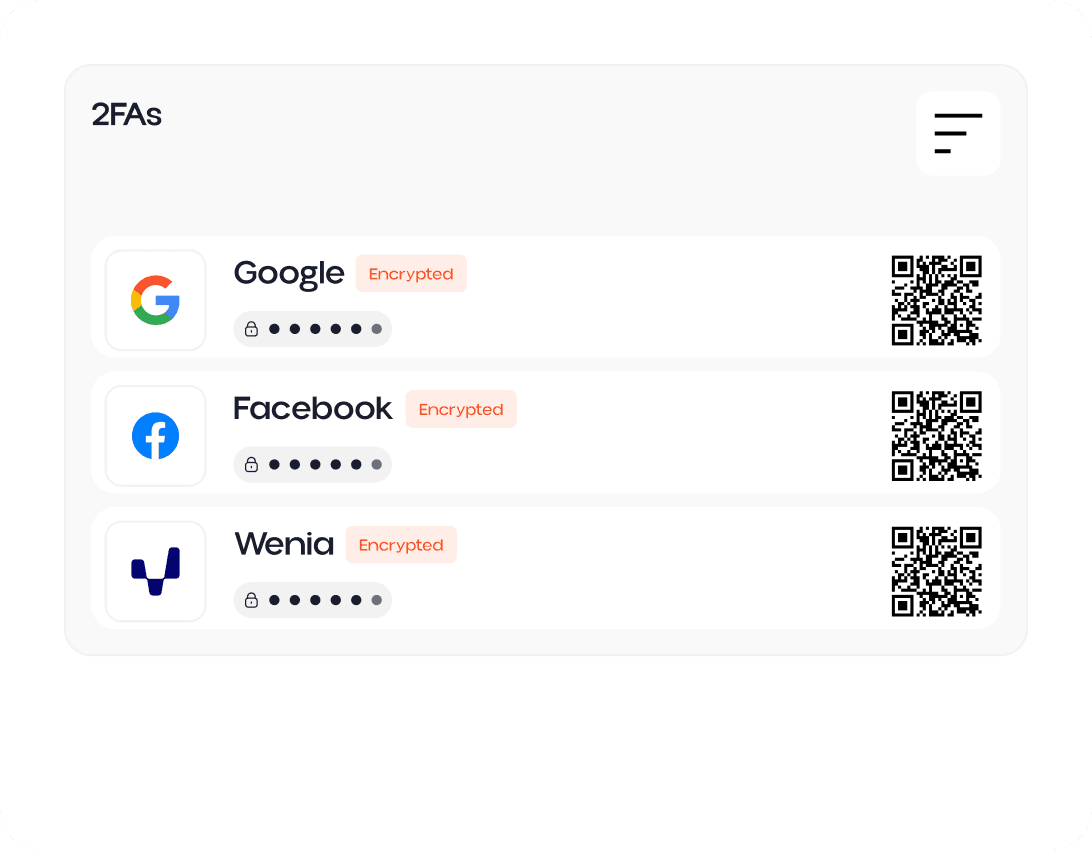
Traditional 2FA setups often fail at the worst moment: lost phone, broken device, reset app, inaccessible backup, or compromised recovery path. Zelf Auth preserves your recovery keys as encrypted QR codes stored on IPFS, eliminating the tradeoff between convenience and permanent loss.

Positioning against Pixnapping
Pixnapping prevention

Positioning against Pixnapping

Researchers have shown that Pixnapping can leak sensitive information displayed on Android screens, including one-time codes from authenticator apps. Zelf Auth positions itself as a stronger model for users who want to reduce exposure around screen-visible secrets, backup leakage, and recovery compromise.

If your 2FA secret can be lost, unrecovered, or stolen via Pixnapping, it is not truly secure.

Upgrade from basic 2FA apps to decentralized 2FA security

Protect your 2FA with HumanAuthn biometric encryption, encrypted storage, offline access, and decentralized recovery architecture.

Download Zelf Auth Compare authenticator apps
No fragile recovery flowNo dependence on centralized storage defaultsBuilt for privacy, resilience, and self-custody

保持联系

获取有关加密安全、ZNS 更新和 Web3 见解的最新信息。

产品

Zelf Wallet
  • Zelf vs Metamask
  • Zelf vs TrustWallet
  • Zelf vs Ledger
  • Zelf vs Ledger Recover
  • Zelf vs Trezor Keep Metal
  • Zelf vs 其他
  • BlockDAG 钱包
  • Solana 钱包
  • Stellar 钱包
  • Sui 钱包
ZelfKeys
  • 自托管管理器
  • 无密码身份验证
  • Passkeys vs 自托管
  • 密码替代方案

资源

公司

  • 博客
  • 使命
  • 代币经济
  • 总体规划
  • 品牌资产

安全

  • HumanAuthn
  • 开发者文档
  • Zelf ID 注册表
  • Github Web Extension
  • Github Online version

法律

  • 条款和条件
  • 隐私政策

联系我们

  • 预约客户支持会议
ZELF

© 2026 Zelf World, 版权所有