블로그로 돌아가기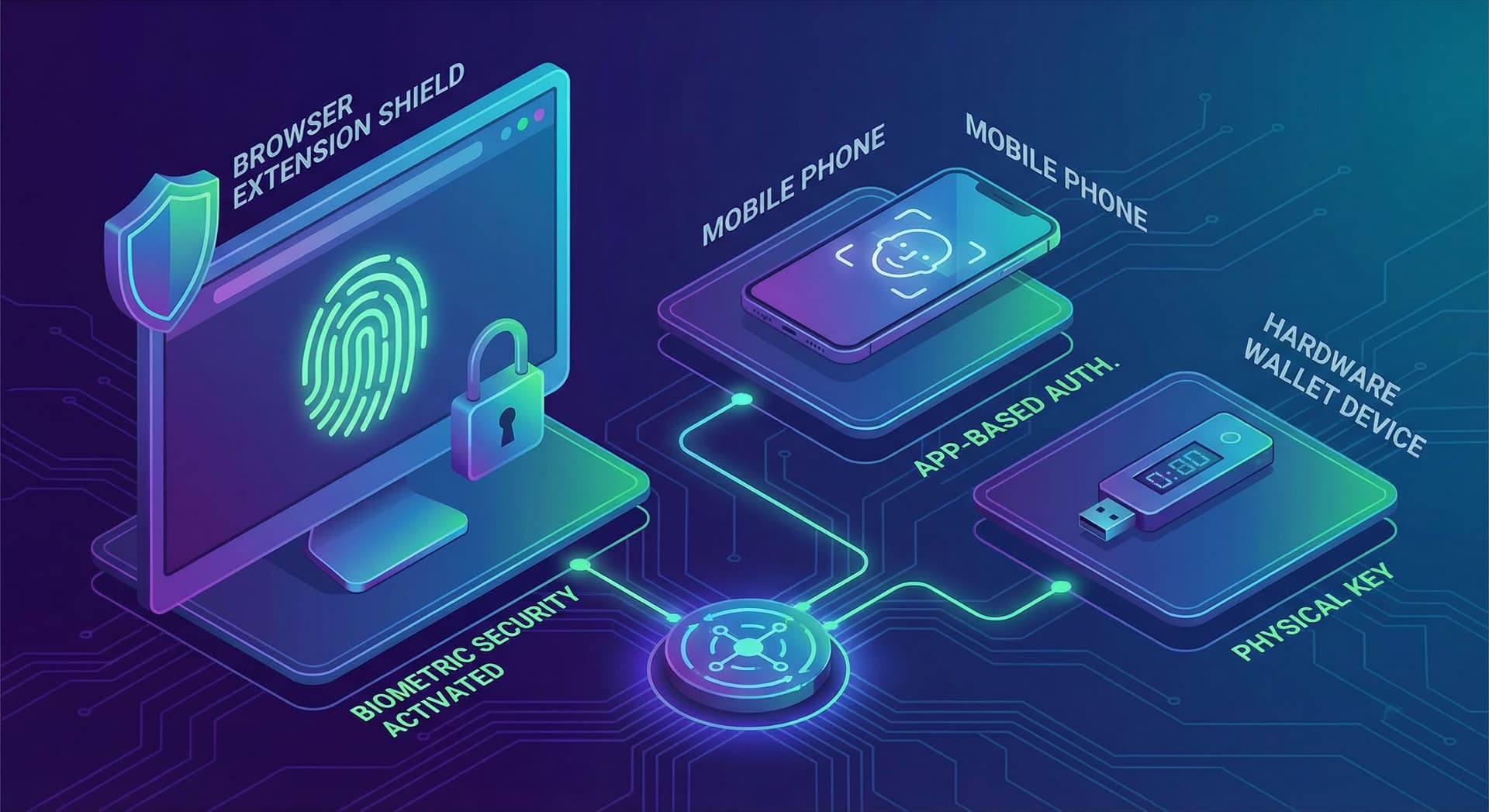
브라우저 확장 지갑 vs 모바일 vs 하드웨어: 보안 비교
MetaMask, Ledger, Trust Wallet, Zelf를 비교. 브라우저 확장 프로그램이 생체 인증과 즉각적인 접근성을 제공하는 방법.
Miguel Treviño•
TL;DR:
- Browser extension wallets combine instant access with strong security when they use biometrics and proper key handling—no separate device required.
- MetaMask: Password-only, no biometric; highly vulnerable to phishing and stolen seeds. The default choice, but not the safest.
- Ledger (and Trezor): Hardware-level security but device-dependent and subject to supply chain and firmware risks (e.g. Ledger data breach).
- Trust Wallet: Mobile-only; app store and supply chain attacks (e.g. 85M npm-style attacks) show mobile is not inherently safer.
- Zelf: Biometric + password + ZelfProof triple layer, no central storage of keys or face data. Liveness detection, configurable re-verification, cold storage options. Same identity on Android, iOS, and web extension.
- Call to action: Install the Zelf Extension for a wallet that is both convenient and built for proof-of-personhood security.
The Wallet Landscape: Mobile, Hardware, Extension
Three main ways people hold crypto today:
- Mobile wallets (e.g. Trust Wallet): Always in your pocket, easy to use, but tied to one device and app store risks.
- Hardware wallets (Ledger, Trezor): Keys in a dedicated device, offline signing—but you must carry the device and trust its supply chain and firmware.
- Browser extension wallets (MetaMask, Zelf): Work where you browse; instant access from any desktop. When designed with biometrics and zero-knowledge identity, they can rival hardware security without the device.
Below we compare security and UX so you can choose what fits.
Security Comparison Table
| MetaMask | Ledger | Trust Wallet | Zelf | |
|---|---|---|---|---|
| Primary unlock | Password | PIN + device | PIN / biometric (device) | Face + liveness (+ optional password) |
| Biometric | No | No (device only) | Device biometric | Yes, built-in |
| Key storage | Encrypted in browser | Secure element (device) | Device keystore | On-device, no central copy |
| Phishing risk | High (password + seed) | Lower (device confirms) | Medium | Lower (biometric at tx time) |
| Supply chain | Extension store | Ledger breach | App store / deps | No hardware to ship |
| Device dependency | No | Yes (must have device) | Yes (phone) | No (extension + mobile) |
| Proof of personhood | No | No | No | ZelfProof |
Takeaway: Extensions are not inherently weak. The weak point is usually password-only unlock and no re-verification at transaction time. Add biometrics and proof-of-personhood, and the extension model becomes both convenient and strong.
Why MetaMask Is Convenient but Risky
MetaMask is the default for millions. You set a password and (hopefully) back up a seed phrase. Problems:
- Phishing: Fake sites and extensions can steal your password and seed. One mistake and funds are gone.
- No biometric: Anyone with your password (or seed) can drain the wallet. No "second factor" that is truly bound to you.
- No proof of personhood: Bots and attackers can use MetaMask like any human. No way for protocols to restrict actions to verified humans.
It is fast and compatible everywhere—but security is only as good as your OpSec and your ability to never leak the seed.
Why Hardware Wallets Are Strong but Brittle
Ledger and Trezor keep private keys in a secure element and sign transactions on the device. That is good. But:
- Supply chain: Ledger’s 2020 breach exposed customer data; physical tampering or compromised firmware (theoretical or real) is a concern for any hardware.
- UX: You must have the device, unlock it, confirm every tx. For power users doing many operations, that friction adds up.
- Single device: Lose or break the device without a proper backup, and recovery depends on seed phrase discipline.
Hardware is best when you want maximum isolation and are willing to trade convenience for it.
Why Mobile-Only (e.g. Trust Wallet) Is Not Automatically Safer
Trust Wallet and similar apps use the phone’s keystore and optional biometrics. Convenient, but:
- App store and dependencies: Malicious or compromised libraries (think large-scale npm/supply chain incidents) can affect mobile apps too. "Mobile" does not mean "secure by default."
- Single device: If you use only your phone, losing it or having it compromised puts everything at risk unless you have a disciplined backup.
- No desktop-native flow: Many DeFi and NFT users prefer a browser; forcing everything through mobile is a UX trade-off.
Mobile is great for on-the-go, but it is one more form factor—not a security category by itself.
Zelf: Extension with Hardware-Grade Ideas
Zelf is a browser extension (and has mobile apps) that aims for hardware-level assurance without a separate device:
- Biometric at unlock and at critical actions: Face + liveness. No face, no signing. Reduces password-phishing and seed-theft impact.
- ZelfProof: Proof of personhood—your keys are tied to a human, not just a password. Helps protocols distinguish humans from bots.
- No central key or biometric storage: Keys and face-derived material stay on your device; Zelf does not hold a copy.
- Configurable re-verification: You can require face check on every send or at an interval. Balance security and convenience.
- Cold storage options: For large holdings, you can combine extension with cold or multisig patterns.
- Same identity everywhere: Use the same Zelf identity on Android, iOS, and the web extension. One human, one identity, multiple devices.
So: extension convenience (instant access, no dongle) with biometric and identity layers that close the gaps of password-only wallets.
Extension Advantages in 2026
- Instant access from the browser where most DeFi and NFT activity happens.
- No device to carry or lose—as long as you can prove your face (or use your backup flow), you can use another machine.
- Side panel and fullscreen: Extensions can run in a side panel or full window, fitting both quick checks and deep workflows.
- Updates and fixes: Security and UX improve with software updates; no waiting for new hardware or firmware.
The future of daily-use crypto is likely extension-first, with biometric and proof-of-personhood filling the gap between "convenient" and "secure."
Try the Zelf Extension
If you want one wallet that combines browser convenience, biometric security, and proof of personhood—without carrying a hardware device—install the Zelf Extension. Same security model on desktop and mobile; your face, your keys, your identity.
Download Zelf and compare it side-by-side with your current wallet. You may find you no longer need to choose between "easy" and "secure."
wallet-comparisonsecuritybrowser-extensionmetamaskledgerhardware-wallet